|
Adding a Product to a Category
|   |
|
Adding a Product to a Category
| |
You can add a product to as many categories as you like. Here's how:
1. Edit Product
Put the product's record in edit mode.
2. Add to 1 or more Categories
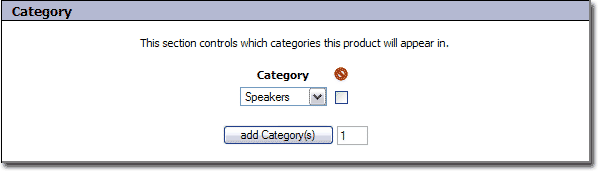
Change the "Category" field to the category that you want to add the product to.
If you would like to add the product to another category, click the "add Category" button, and specify a different category.
3. Submit Record
Click the  button.