Viewing Shipping Couriers
- Open the Control Panel
- Click the Shipping Couriers menu link
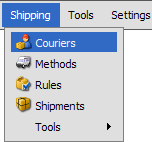
- Click on the Shipping Courier you wish to view
Record Overview
 |
Some of the built in Shipping Courier records have special fields associated with Real Time Rates. We will not discuss those fields here. They will be explained in the Real Time Rates section. |
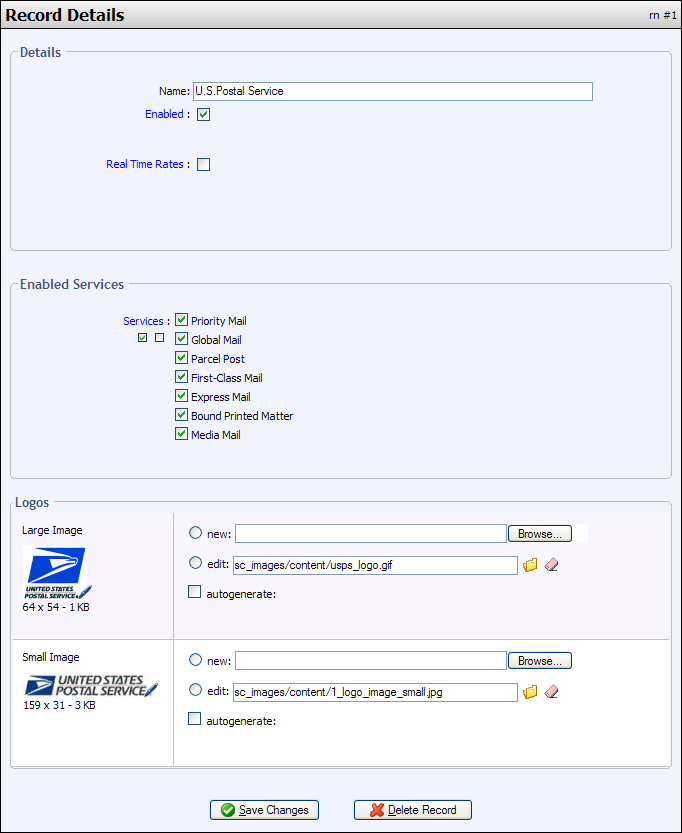
Name
Name of courier
Enabled
This field determines whether or not Squirrelcart will attempt to use this Shipping Courier.
Real Time Rates
For Shipping Couriers that support real time rates, this field controls whether or not real time rates are enabled.
Services
This field controls which shipping services will be offered for this courier. They correspond to records in the Shipping Methods table.
Large Image
This image is shown on the shipping method selection page in the storefront.
Small Image
This image is not used by default, but may be in the future.
© 2001-2010 Lighthouse Development. All Rights Reserved.