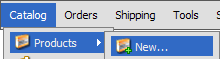
- Click the Products > New menu link
- Fill out the form fields
- Click

Record Overview
This section is a general overview of the product record. Many of the fields shown below are discussed in other topics in detail. Some of the fields below do not appear by default in your storefront. All fields shown on the product record can be added to the product templates so will appear in the storefront.
- Details
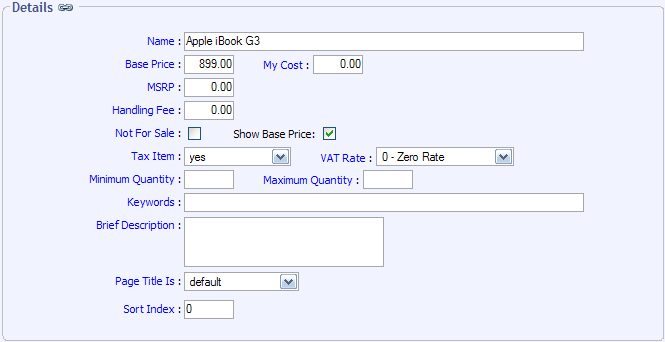
Name
Name of the product
Base Price
This is the price of the item, before any discounts or product options are added.
My Cost
This field is only for your reference. You can use it to store how much you pay for the product.
MSRP
This field is not used by default. You can use it to store the Manufactures Suggested Retail Price of the product.
Handling Fee
This field is used to add a handling fee when this item is added to the cart.
Not For Sale
Checking this field will hide this item in your storefront.
Show Base Price
Checking this field will hide the base price in the storefront.
Tax Item
This field controls whether or not you will collect tax for this product.
VAT Rate
If VAT is enabled, this controls the rate that will be charged for this product.
Minimum Quantity
This field is used to enforce a minimum number of items to be ordered. Leave blank for no restriction.
Maximum Quantity
This field is used to enforce a maximum number of items to be ordered. Leave blank for no restriction.
Keywords
This field is used to populate the keywords meta tag, and to assist customers when searching for this product.
Brief Description
This field is used to populate the description meta tag, and the description of the product seen at checkout.
Page Title Is
This field allows you to specify a custom page title that will be seen when this product is clicked on.
Sort Index
This field can be used to assist in sorting the product records for display.
- Images
Large Image
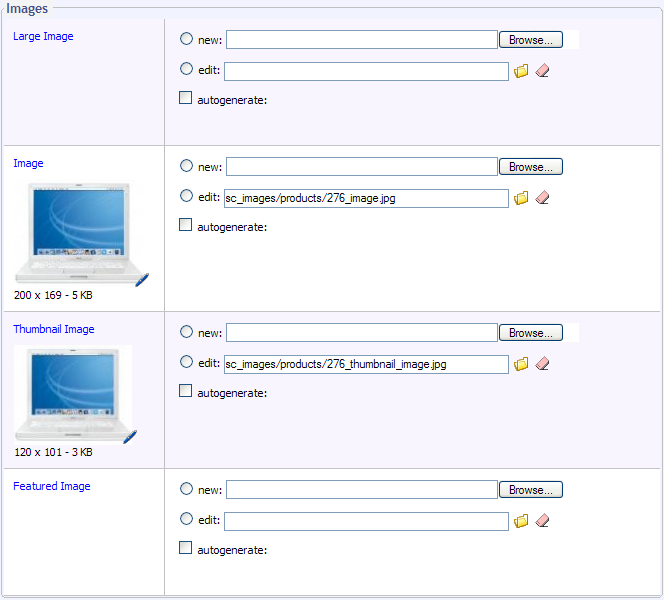
This field is used to assign the largest image of this product to the product record. This image is seen when the customer clicks on the regular size image on the product detail page.
Image
This field is used to assign the regular image of this product to the product record. This image is seen on the product detail page.
Thumbnail Image
This field is used to assign the smallest image of this product to the product record. This image is seen on the product thumbnail view.
Featured Image
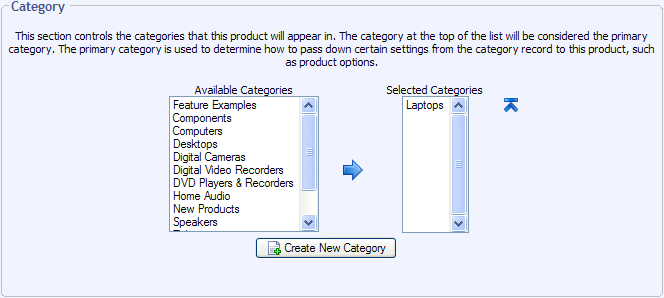
This field is not used by default. - Category
- Product Options

- Product Dimensions

This section is used to specify product options for this product. This is explained in detail in the Product Options section of the documentation. - Inventory
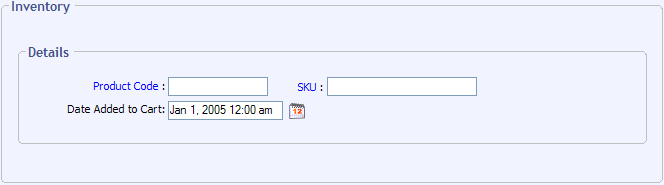
This section is used for inventory tracking purposes, and is explained in detail in the Inventory Control topic. - Discounts
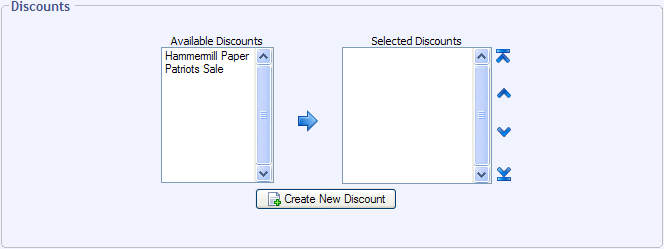
This section is used to assign discounts to this product. See the Discounts section for more information. - Shipping Details
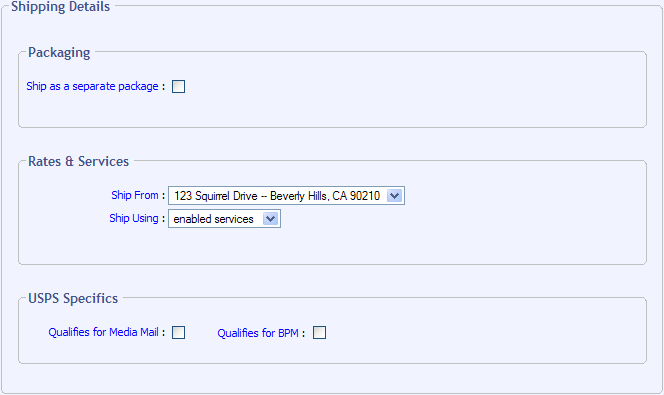
This section is covered in the Configuration > Shipping section of this documentation. - Sales Agreements
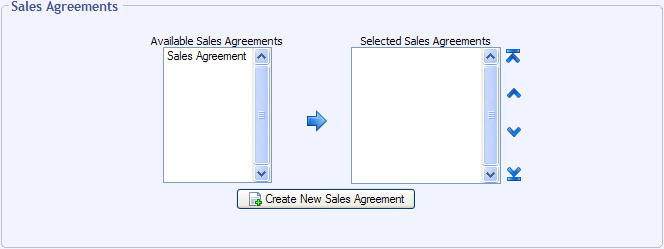
This section is used to assign sales agreements to this product.
© 2001-2006 Lighthouse Development. All Rights Reserved.
Last Updated on 10/04/2006 for Squirrelcart v2.4.0