|
Checking Status
|   |
|
Checking Status
| |
To check the status of an order:
As a Customer
1. Login on the Storefront
2. View Orders
To view orders that you've placed, click the "Order Status" link in the "Account Options" navigation box.
3. Click the Order Number Link
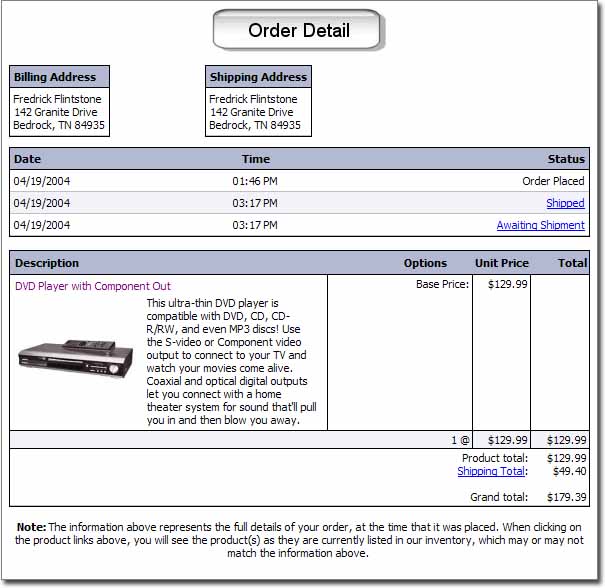
The statuses of the order will appear in chronological order, above the order form.
As the Merchant
1. View Orders in Admin Interface
2. Click Order
The resulting page will look like the screenshot above.